
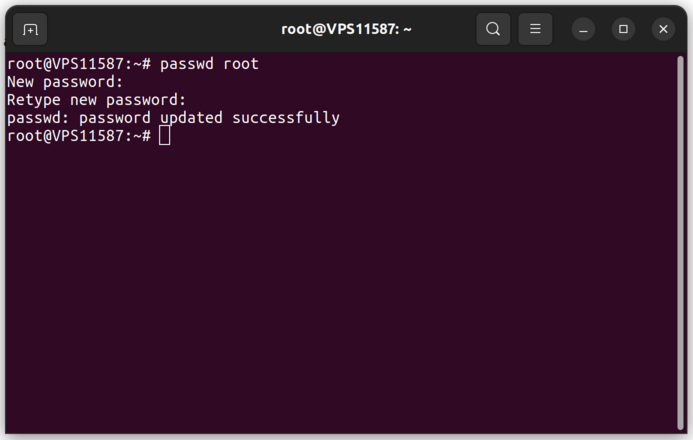
 Note that you need to repeat the new password, and it is not displayed on the screen during typing. To change another user's password, use "passwd username".
From the account panel
If you do not remember the current password or cannot reach the server, open the server in your account panel and use the "Change root password" option. A new password is generated and applied to the server, without reinstalling the system.If you have any difficulties, open a support ticket: Open ticket